Explore Bitpaper’s online whiteboard features
Easy to use, and packed with
features you'll love .
.
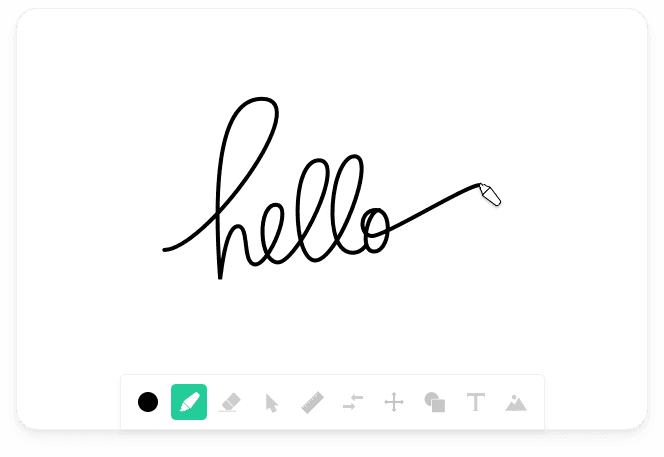
Smooth Writing
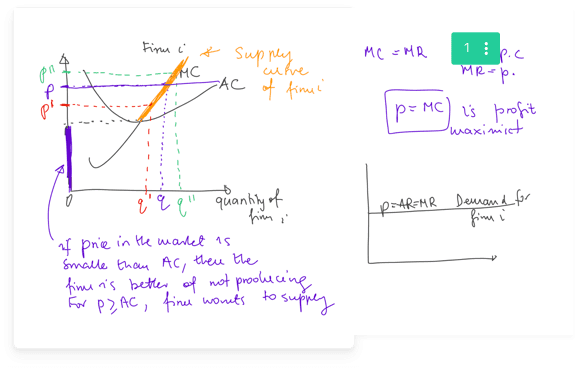
Bitpaper keeps up with your every pen stroke, making it easy to write smoothly and clearly online. A digital pen is a MUST for optimal use of Bitpaper.
Audio, Video, Chat & Screen Sharing
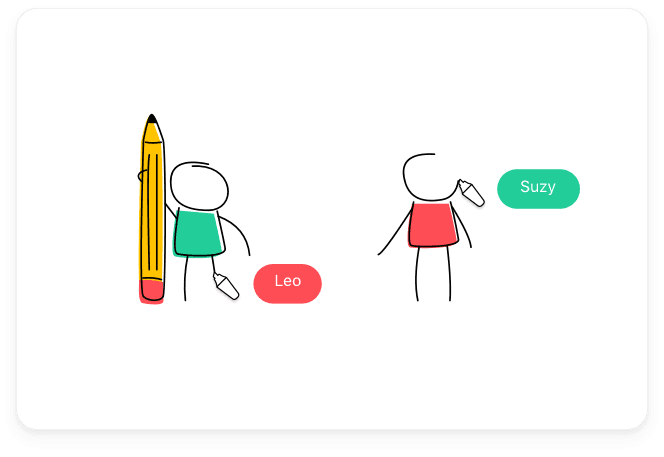
Work and communicate in real-time. Share anything on your screen with one click; websites, apps, videos and more. Bitpaper delivers everything you need to work together effectively online.
Permanent URLs
You’ll never lose your valuable work because every Bitpaper you create comes with its own unique and permanent URL. We automatically save it so no matter what happens, you can come back and recover your paper.
Multiple Pages and Infinite Space
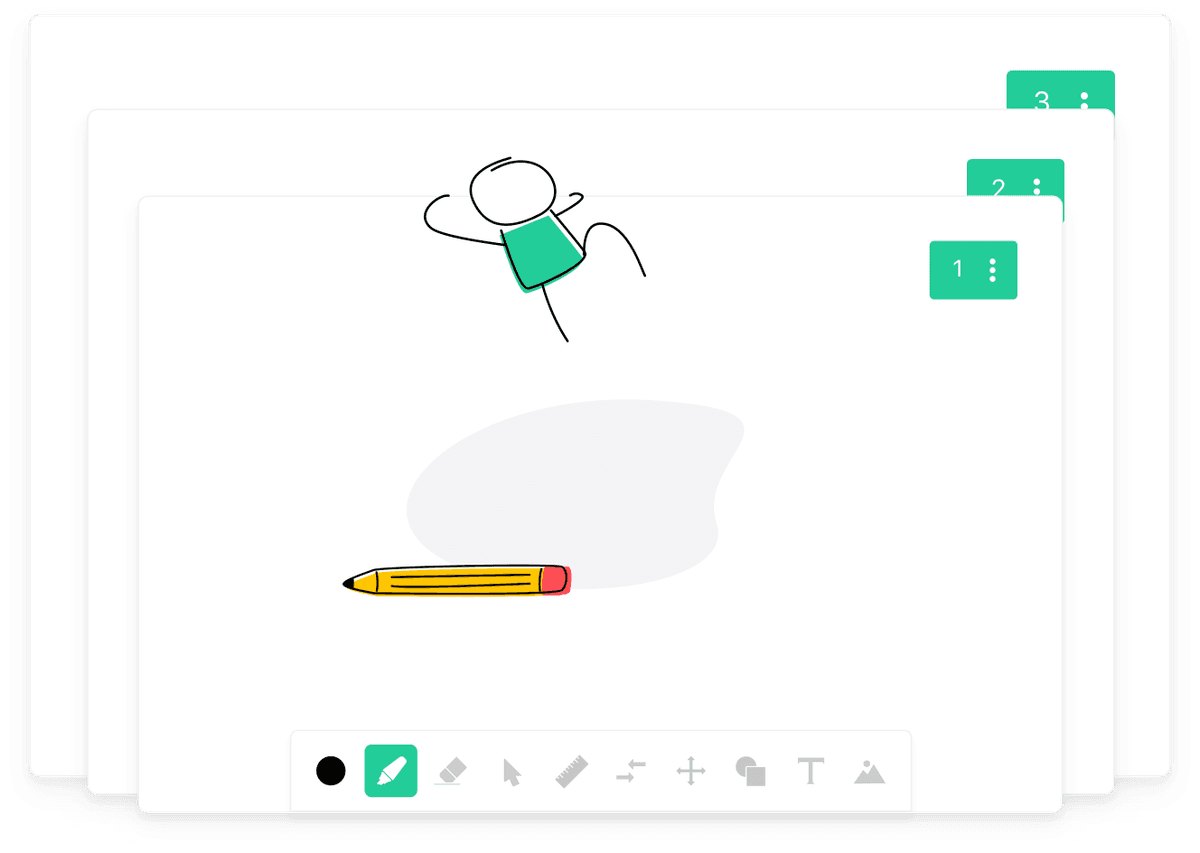
Never run out of whiteboard space again. Add, rearrange and duplicate pages to create content that you can re-use time and time again.
Export to PDF
Create a handy print out by exporting your work to PDF. Create shareable resources at the click of a button.
Import Content
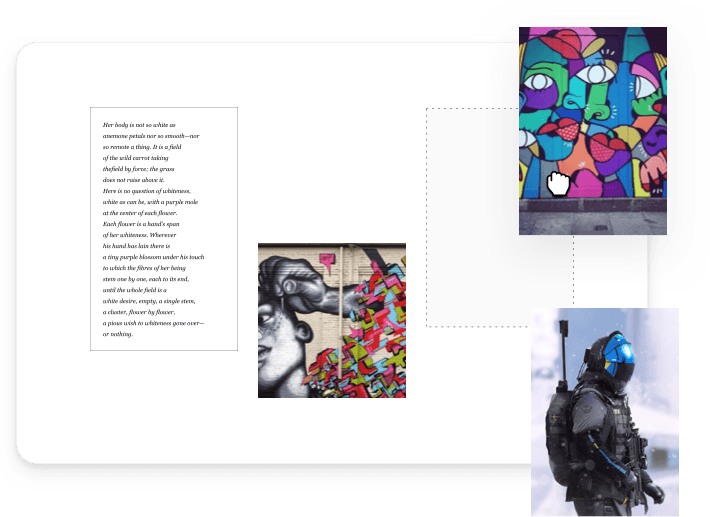
Drag and drop images onto your Bitpaper to create media rich papers in seconds. Bitpaper supports PDF, JPEG and PNG uploads.
Frequently Asked Questions
What features does Bitpaper include?
Can multiple people collaborate on Bitpaper at the same time?
Does Bitpaper support video and audio calls?
Ready to Start?